Evaluate Twice, Code Once
This story is not only about the creation of a brilliant file management tool, it is also a young developer's journey of discovery to find the perfect framework for his project.
Michael needed a cross-platform GUI framework for his Python application that would boast great performance and support for custom styles. After careful evaluation, he chose Qt because it let him “develop a stylable, performant, cross-platform desktop app with minimal effort.”
In addition, choosing “the most prominent GUI framework fulfilling fman's requirements” came with numerous advantages, especially with regards to documentation quality, a large community or language bindings.
This choice, says Michael, saved him years. He started off with an OS X version, because the quality of existing tools at the time was the lowest. Thanks to Qt, he could release the Windows version only a month later, most of which was spent on implementing true automatic updates.
Below is a list of frameworks Michael evaluated, and the reasons why they didn't fulfill his requirements. Visit his blog for a more elaborate description of how he picked his desktop application development technology.
Framework runners-up
- JavaFX / Swing
- Electron
- GTK+
- wxWidgets
- Tk
Disqualifying criteria
- Java Virtual machine had too long start-up times
- Would not achieve the required performance
- Only limited support for Windows / OS X
- Very limited support for custom styles
- Qt has better documentation and a larger community

About Michael Herrmann
Michael Hermann was born in Vienna, Austria, and has an MSc from the University of Oxford. He has been working on fman since February 2016. Previously, he founded an appointment reminder service for doctors and two test automation tools (Automa and Helium). In his earlier life, he worked for willhaben.at, Austria's largest portal for classified ads. To get in touch with Michael, send an email to michael(at)herrmann(dot)io or follow him on Twitter @m_herrmann.
Oh, there's more
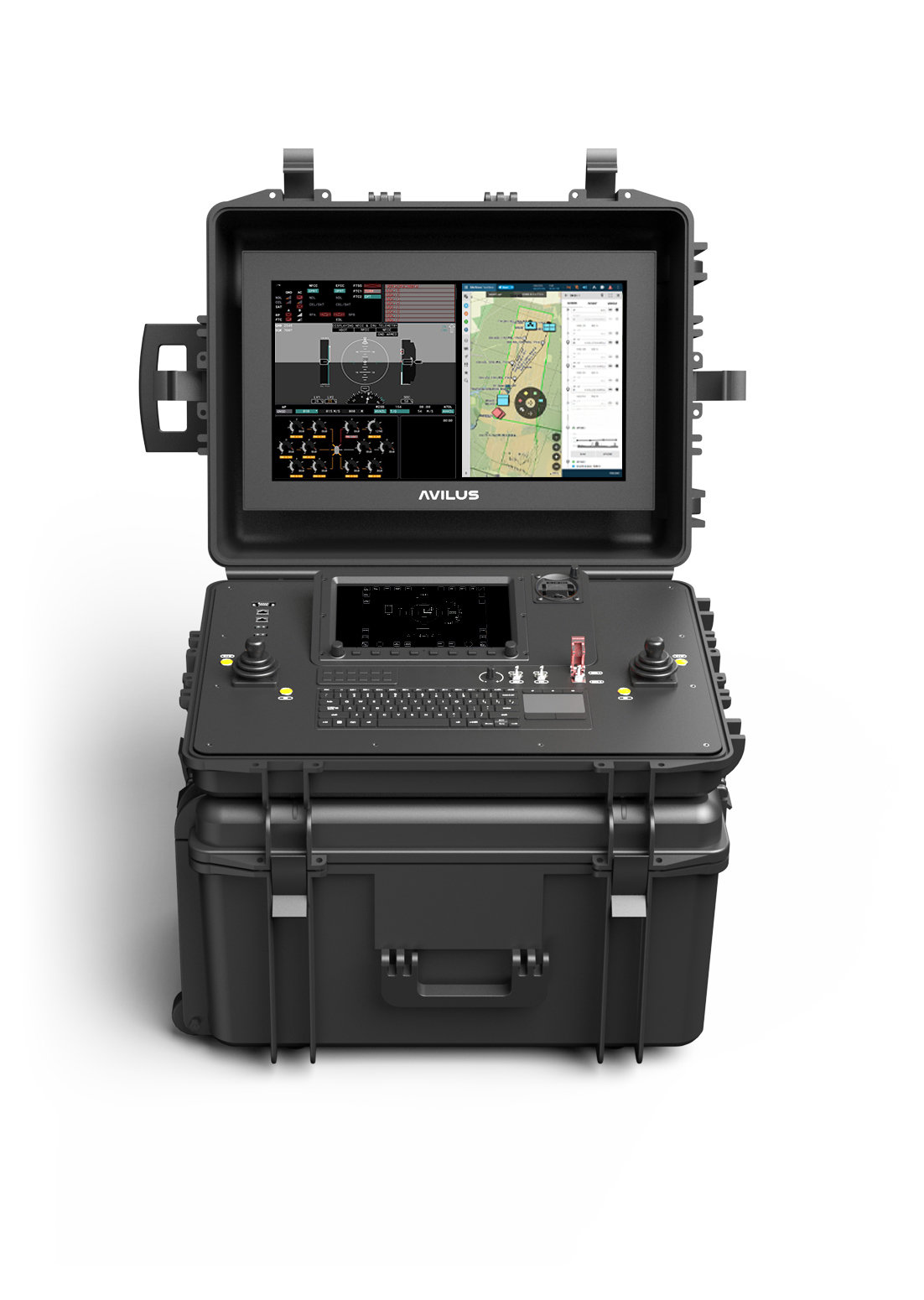
Avilus | Built with Qt
Avilus uses Qt to build high-performance, certifiable operator interfaces for a new class of dual-use drones.
Read More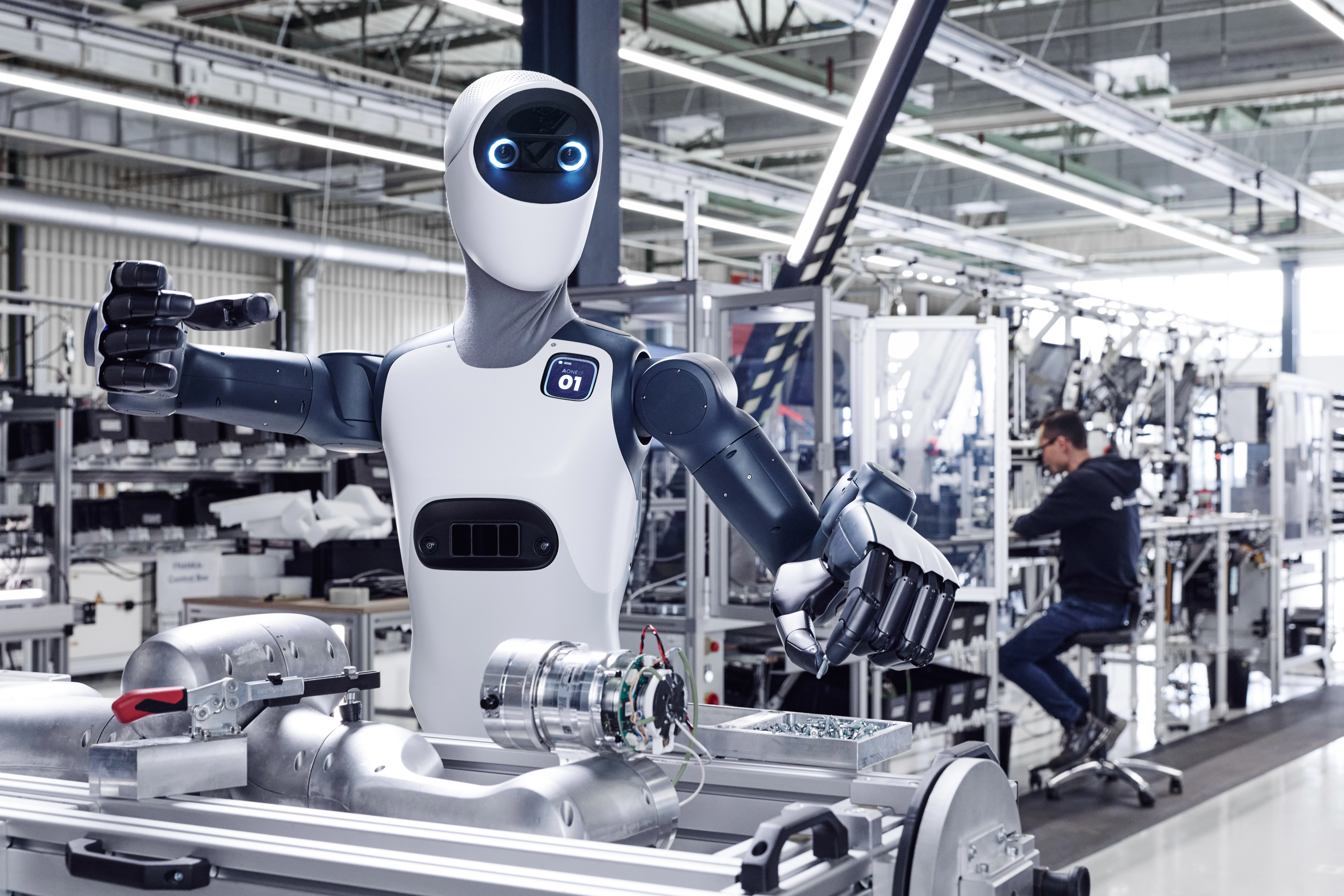
Agile Robots | Built with Qt
Agile Robots uses Qt for the creation of high-performance teach pendants for its cross-platform capabilities, C++ integration, and CRA compliance.
Read More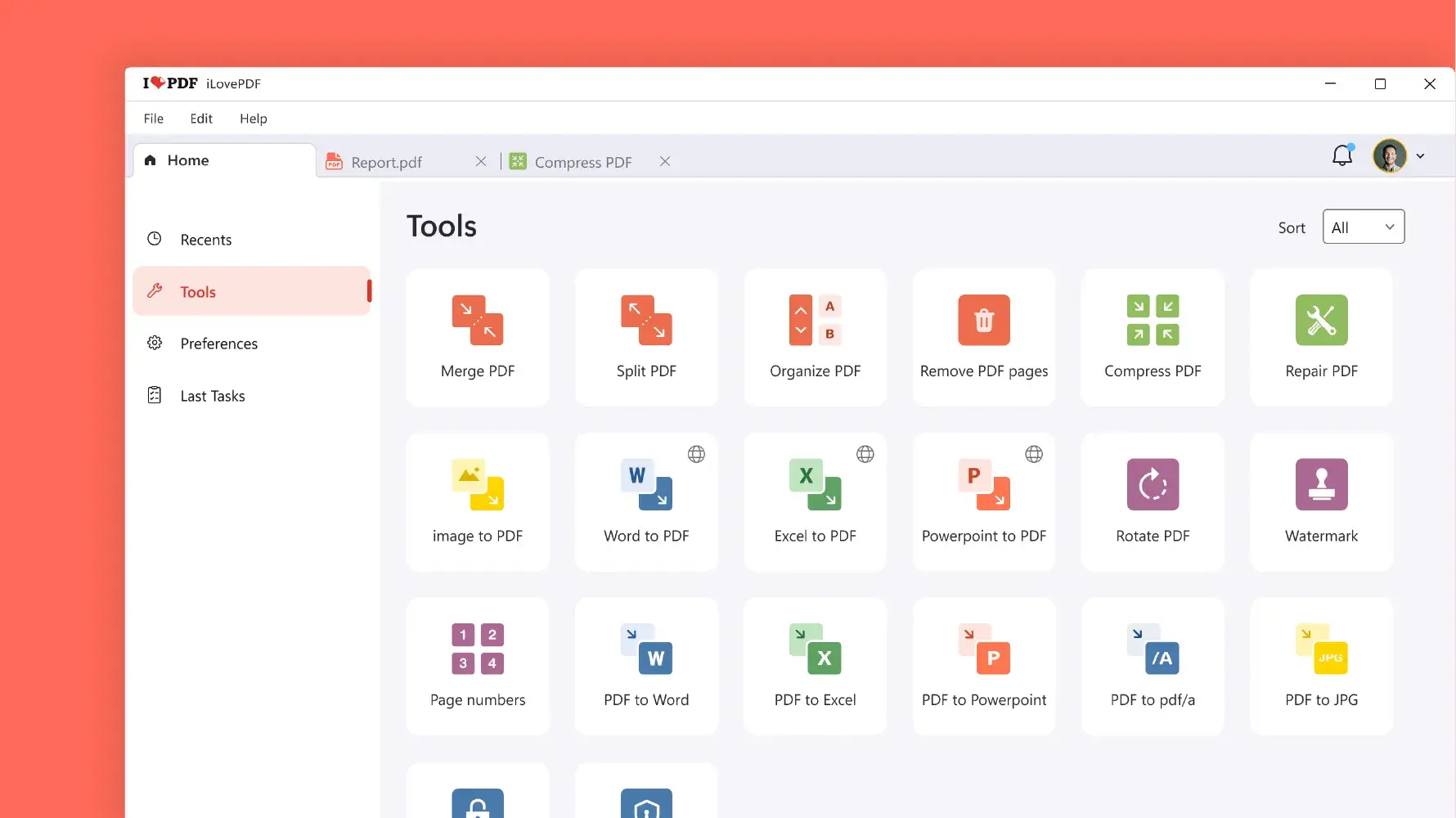
iLovePDF | Built with Qt
Learn how iLovePDF gained a modern UI and significantly improved performance by switching to Qt 6 and the declarative QML language.
Read More